Find A Plan
Discover Meaningful Places. Plan with Confidence
A mobile product concept designed to help users discover meaningful places, explore cultural and historic destinations, and plan trips with greater confidence.
Role: Lead Product Designer & UX Researcher
Core Focus: Product Strategy · Interaction Design · System Architecture
Tools: Figma · Miro
Timeline: 2026
Core Focus: Product Strategy · Interaction Design · System Architecture
Tools: Figma · Miro
Timeline: 2026

The Context & Strategic Challenge
Find a Plan is a mobile navigation ecosystem engineered to solve extreme information fragmentation in travel planning. Modern users waste hours jumping between maps, social platforms, blogs, and review apps to organize a single outing. Traditional geolocation tools prioritize heavily commercialized ads and paid business sponsorships over local culture.
The Mission: How might we streamline this chaotic process into a single, cohesive, map-driven journey that eliminates decision fatigue and surfaces authentic cultural exploration?
My Execution: As the independent product designer and researcher, I executed the full lifecycle of this product—advancing from initial problem framing, feature prioritization, and qualitative affinity mapping, straight through to high-fidelity interface design, atomic system building, and usability testing.
Strategic Cross-Functional Execution: To execute this end-to-end framework, I managed ownership over five primary phases of product maturity: Research, Strategy, UX Architecture, UI Execution, and Validation.
The Ultimate Goal: Reduce decision fatigue. Curate meaningful travel options and give users an effortless way to discover, evaluate, save, plan, explore, and share ideas in one unified workspace.
Discovery & User Research
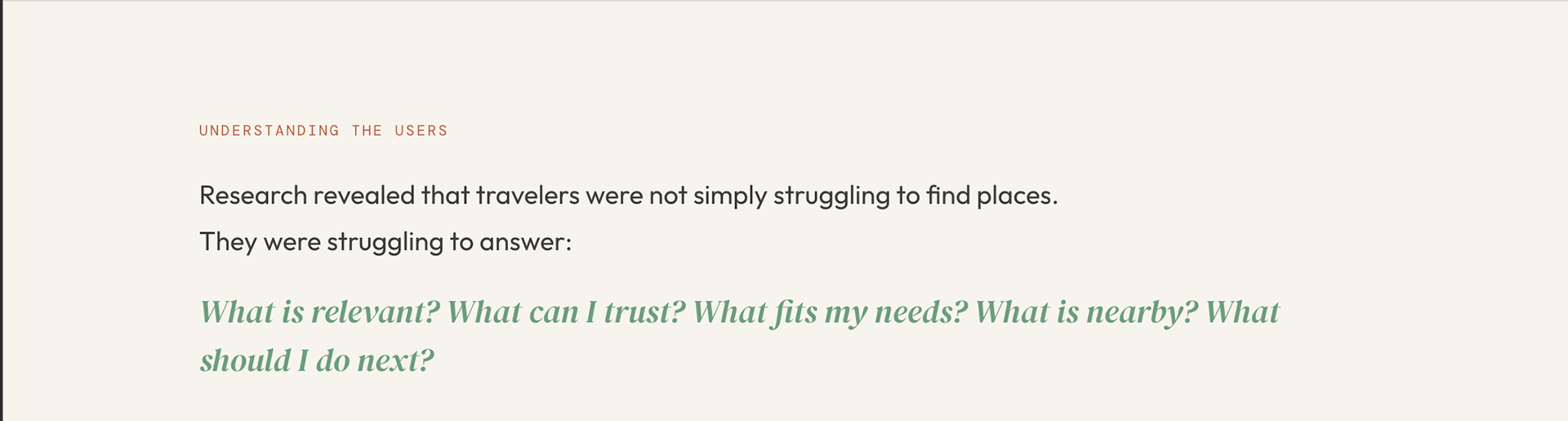
Foundational user research revealed that travelers were not simply struggling to find physical locations. Instead, they faced a deeper cognitive hurdle. They were constantly struggling to evaluate critical context questions in real time: What is truly relevant? What can I trust? What aligns with my specific needs? What is immediately nearby? What actionable step should I take next?
Following user data collection, three distinct behavioral themes emerged from the qualitative research matrix:
Filtering & Discovery: Users explicitly needed better, low-friction ways to narrow down their choices.
Information Confidence: Encountering incomplete or unverified information drastically reduced platform trust.
Context-Driven Decisions: Physical distance, temporal availability, and transit limitations heavily dictated real-time spatial choices.
Target Audience & User Profiles
Our primary user ecosystem is built around Culturally Curious Explorers—discerning individuals, cultural travelers, and regional historians who actively avoid mainstream tourist traps in favor of hyper-local, authentic narratives.
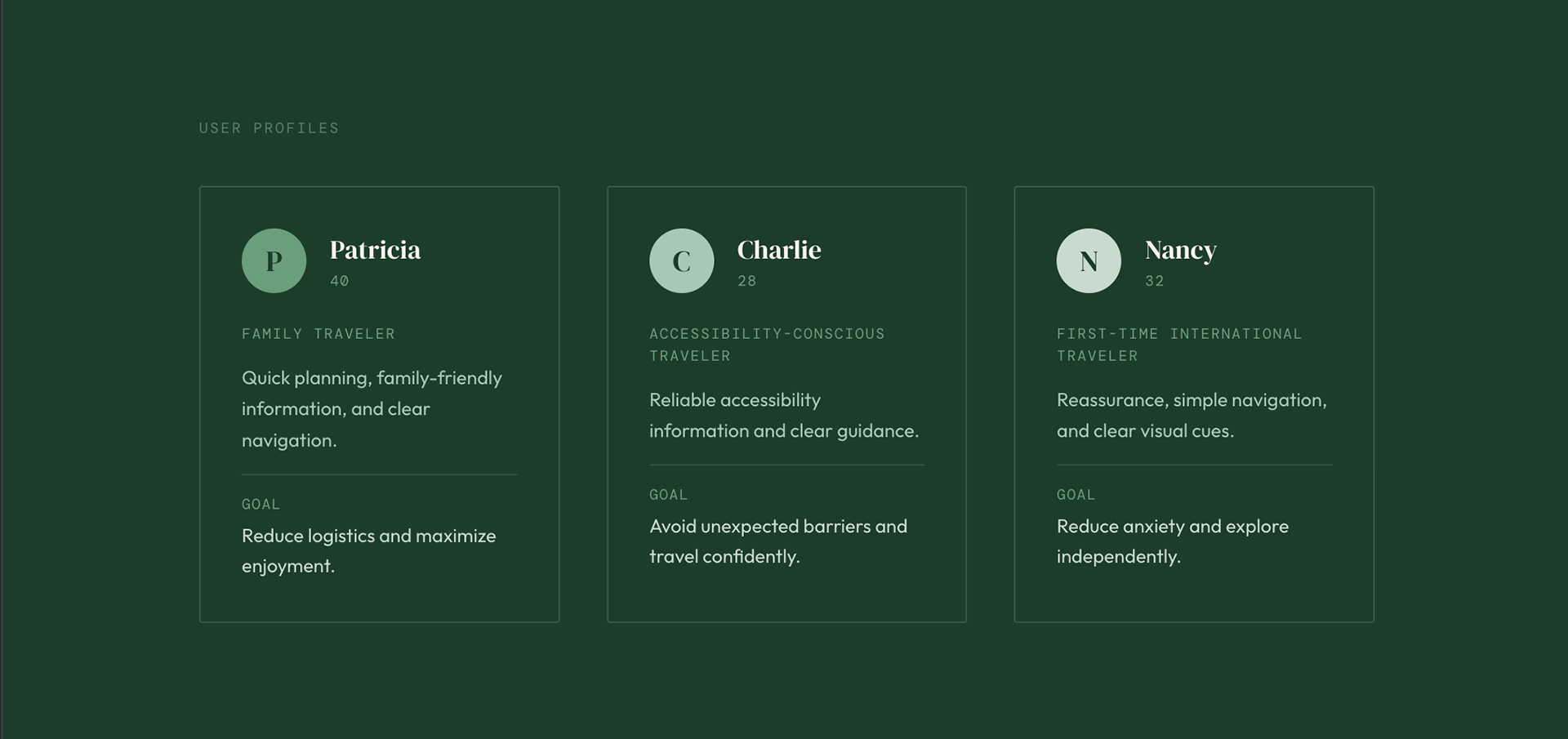
To guide design decisions throughout the lifecycle of the project, I synthesized our research findings into three distinct target personas:
Patricia: The organized family traveler focusing on logistics.
Charlie: The accessibility-conscious traveler avoiding unexpected barriers.
Nancy: The independent international traveler requiring clear visual cues.

Ideation & Low-Fidelity Testing
Translating Insights to Layouts: To bridge the gap between user strategy and interface structure, I began with rapid sketching exercises to explore different map-to-content spatial relationships.
The Low-Fidelity Blueprint: These initial ideas were translated into low-fidelity digital wireframes in Figma. The goal was to establish a core navigational skeleton that kept the interactive map persistently accessible while testing different layouts for the exploration feeds.
Design Hypotheses: The low-fidelity wireframes prioritized clean layout grids, a persistent bottom bar navigation layout for quick actions, and structured information cards to see if users could easily evaluate destination details without cognitive overload.


Usability Testing & Iteration Loops
I ran structured usability testing sessions with four active participants using the low-fidelity interactive prototypes to stress-test our core user flow.
The Validation: Testing successfully validated the centralized workspace structure.
The Friction: The sessions revealed that filtration components lacked visual prominence, and action button sizes were too small for seamless outdoor use.
The Iteration: I leveraged these insights to iterate on the layouts, optimizing touch targets and elevating filter visibility before finalizing the interface design.

High-Fidelity UI & Scalable Component Architecture
The final mobile application unifies map-centric discovery, personal trip organization, and community context into a beautifully optimized dark-mode ecosystem built specifically for clear outdoor visibility.
Contextual Mapping Workspace: Replaces deep nested menus with single-tap primary actions to streamline trip creation.
Frictionless Exploration Feeds: Uses clear typographic visual hierarchy and transparent trust ratings to combat decision fatigue before a user clicks.
Personalized Profile Infrastructure: Drives long-term user retention by gamifying community feedback contributions with an interactive travel-status progression tracker.
Cohesive UI Design System: To maintain digital consistency and ensure future scalability, I engineered a compact atomic design system meticulously benchmarked against Web Content Accessibility Guidelines (WCAG) for high-contrast usability.

Project Reflection & Strategic Backlog
To maintain high product engineering maturity, the future roadmap focuses on expanding data visibility, engineering predictive personalization engines, and deploying interactive beta testing frameworks for community storytelling micro-interactions.
The Retrospective: Product design is not about simply consolidating features into a single screen; it is about engineering trust. This project matured my capabilities in systems thinking and user advocacy, proving that good travel design isn't about helping people find everything—it's about helping them find what matters.


